
Bills and reminders
Bill Reminder Apps: How to Keep Track of Bills and Due Dates

Written by Shaquille
Team Duesy
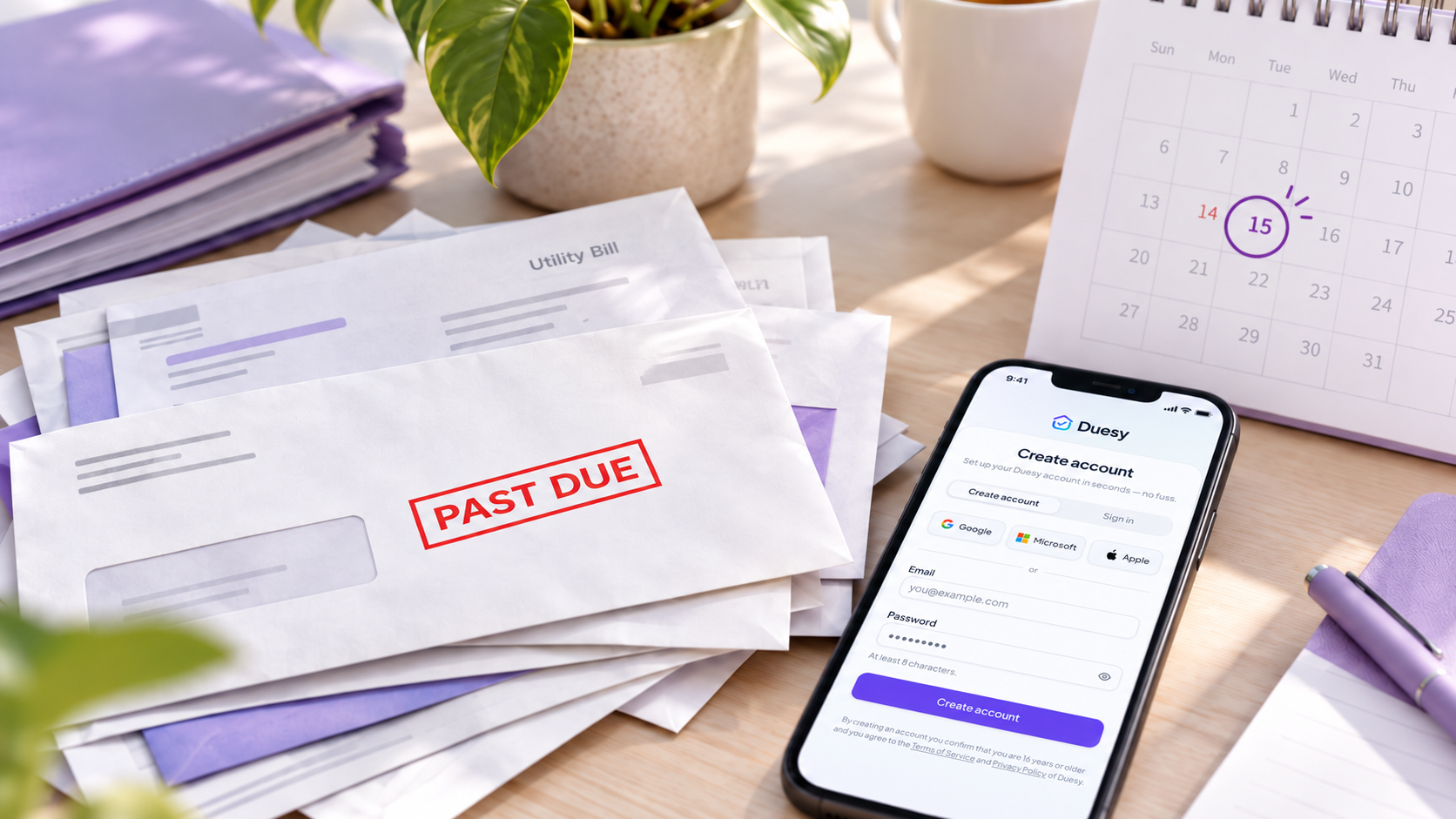
A bill reminder helps you remember what needs to be paid and when. It can be as simple as a calendar alert or a dedicated app that keeps upcoming due dates in one place.
The difficult part is often not paying the bill itself. Bills can arrive through email, PDFs, letters, apps and online accounts, which makes it easy for an important due date to get buried.
A good bill reminder system makes upcoming payments visible before they become overdue, without requiring you to keep checking your inbox or relying on memory.
On this page
- What is a bill reminder?
- How do bill reminder apps work?
- What is the easiest way to keep track of bills?
- What should a good bill reminder app do?
- How to keep track of bill due dates
- Can your phone remind you when bills are due?
- Automatic bill reminders
- How Duesy helps with bills and deadlines
- Frequently asked questions
- Keep bills from becoming last-minute tasks
What is a bill reminder?
A bill reminder is a notification or system that helps you remember an upcoming payment before its due date.
It may be a reminder in your calendar, a task on your phone or a dedicated bill reminder app.
The goal is simple: separate the due date from the place where the bill originally arrived.
If a bill is sitting in an email or document, you may only see it again when you deliberately search for it. A reminder brings the important date back to your attention when it actually matters.
Bill reminders can be useful for recurring expenses as well as one-off payments.
How do bill reminder apps work?
A bill reminder app usually keeps track of the bill, its due date and when you want to be reminded.
Some systems require you to enter those details manually.
Others can reduce part of that work by recognising information from documents, emails or other sources.
Once a due date has been identified, the important part is getting a reminder early enough to take action.
For example, a bill due on the 20th may be more useful if you are reminded several days beforehand rather than receiving a notification on the due date itself.
The right setup depends on how you prefer to manage your personal administration.
What is the easiest way to keep track of bills?
The easiest system is usually the one you can use consistently.
You do not necessarily need a complicated budgeting system just to remember when bills are due.
A simple approach is:
- identify the amount and due date when the bill arrives;
- record the due date somewhere you regularly check;
- create a reminder before the payment is due;
- mark the bill as handled once it has been dealt with;
- review upcoming bills regularly.
The important thing is to avoid relying on the original email, letter or PDF as your reminder.
For a broader overview of bills, deadlines, documents and household responsibilities, see the Life Admin Checklist.
What should a good bill reminder app do?
A useful bill reminder app should make it easier to see what needs attention.
Depending on your needs, useful features may include:
- clear due dates;
- reminders before a bill is due;
- an overview of upcoming payments;
- the ability to track recurring and one-off bills;
- support for bills received through different channels;
- simple ways to mark something as handled;
- calendar or reminder integration;
- a clear distinction between upcoming and completed items.
The best system is not necessarily the one with the most features.
If managing the reminder system becomes almost as much work as managing the bills themselves, it is probably too complicated.
How to keep track of bill due dates
The most important habit is to capture a due date when you first see it.
If a bill arrives today but is due three weeks from now, there is little benefit in leaving that date inside the document and hoping you remember it later.
Record the due date while the information is already in front of you.
It can also help to create more than one reminder for important payments.
For example:
- an early reminder several days before the due date;
- a final reminder closer to the deadline.
How early you need the reminder depends on the bill and how much preparation is required.
A simple payment may only need a short reminder. Something that requires transferring money, checking details or contacting a provider may need more notice.
Can your phone remind you when bills are due?
Yes.
For a small number of bills, the built-in calendar or reminder app on your phone may be enough.
You can create an event or reminder with the due date and choose when you want to be notified.
This works particularly well when you already know all the information and only need help remembering the date.
The limitation is that you still need to identify and enter the information yourself.
As the number of bills, contracts, emails and other administrative tasks grows, manually copying every date can become another piece of life admin.
Automatic bill reminders
Automation can reduce some of the manual work involved in keeping track of bills.
For example, software may be able to identify that a document or email contains:
- an amount;
- a payment date;
- a deadline;
- payment details;
- an action that needs attention.
The useful part of automation is not simply detecting information. It is turning that information into something you can review and act on.
You should still be able to check that the information is correct before relying on it.
Automatic reminders are most useful when they reduce repetitive work without taking control away from you.
How Duesy helps with bills and deadlines
Duesy is designed to help with the administrative work around bills rather than making payments for you.
It uses AI to understand documents and important emails and identify information such as amounts, dates, deadlines and possible actions.
Instead of manually copying a due date from a bill into another app, Duesy can prepare the relevant information for you to review.
Once confirmed, important dates and reminders can be easier to keep track of alongside the rest of your personal administration.
This can be especially useful when bills are only one part of a larger stream of documents, emails, contracts and deadlines.
Duesy does not automatically decide whether a bill should be paid and does not make payments on your behalf.
You remain in control of the information you confirm and the actions you take.
For a broader explanation of the personal administrative tasks surrounding bills, documents and deadlines, see What Is Life Admin?
Frequently asked questions
Can an app remind me when bills are due?
Yes.
You can use a calendar, your phone's reminder system or a dedicated bill reminder app to notify you before a payment is due.
The main difference is how much information you need to enter and manage yourself.
What is the best bill reminder app?
There is no single best option for everyone.
If you only have a few dates to remember, a simple calendar or reminder app may be enough.
If bills arrive through documents and emails alongside other personal administration, a system that helps identify dates and actions automatically may save more time.
The most useful option is one that fits the way your bills already arrive and does not create unnecessary extra work.
Should I use a calendar or a bill reminder app?
A calendar works well when your main goal is remembering a known due date.
A dedicated bill reminder system can be more useful when you want a clearer overview of several bills or when you need to keep track of more information than just the date.
You can also combine the two.
How far in advance should I set a bill reminder?
That depends on the payment.
For routine bills, a reminder a few days beforehand may be enough.
For larger or more complicated payments, give yourself enough time to check the amount, make sure funds are available or resolve any questions before the due date.
The best reminder is one that gives you enough time to act without notifying you so early that you forget about it again.
Keep bills from becoming last-minute tasks
Bills are easier to manage when their important dates do not stay hidden inside emails, documents or online accounts.
A simple reminder system can help you see what is coming up, while automation can reduce the amount of information you need to copy manually.
Duesy helps turn important documents and emails into clear information, deadlines, actions and reminders, making it easier to stay on top of everyday administration.